Bem-Vindo à Ajuda do SuricataCRM
Suricata. Turn on mobile. Organize toda a sua informação numa única plataforma, disponível 24 horas por dia, em todo o mundo..
The can make several decisions on how he manages his folders.
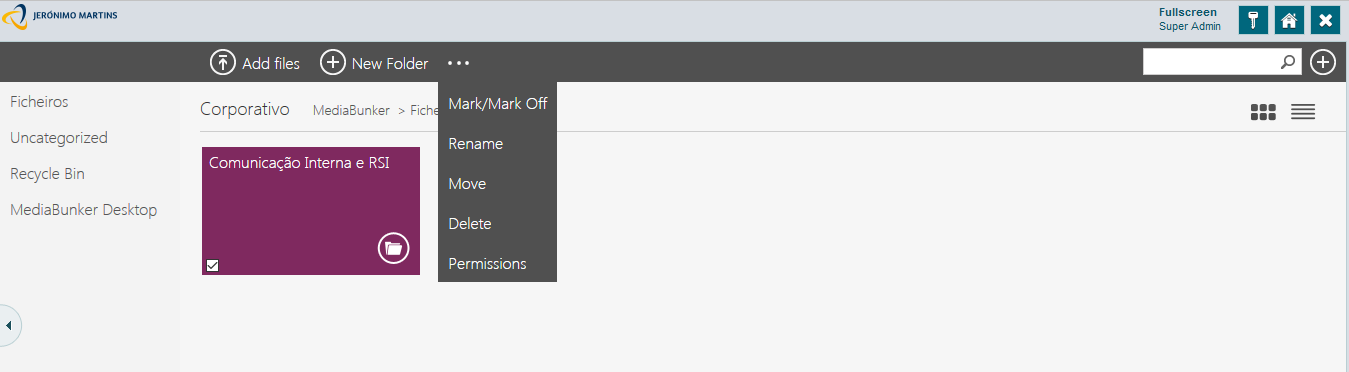
He will have to select the folder, simply by checking the checkbox in the Terá de seleccionar a pasta, para tal basta clicar na checkbox no bottom left corner. A folders menu will appear.
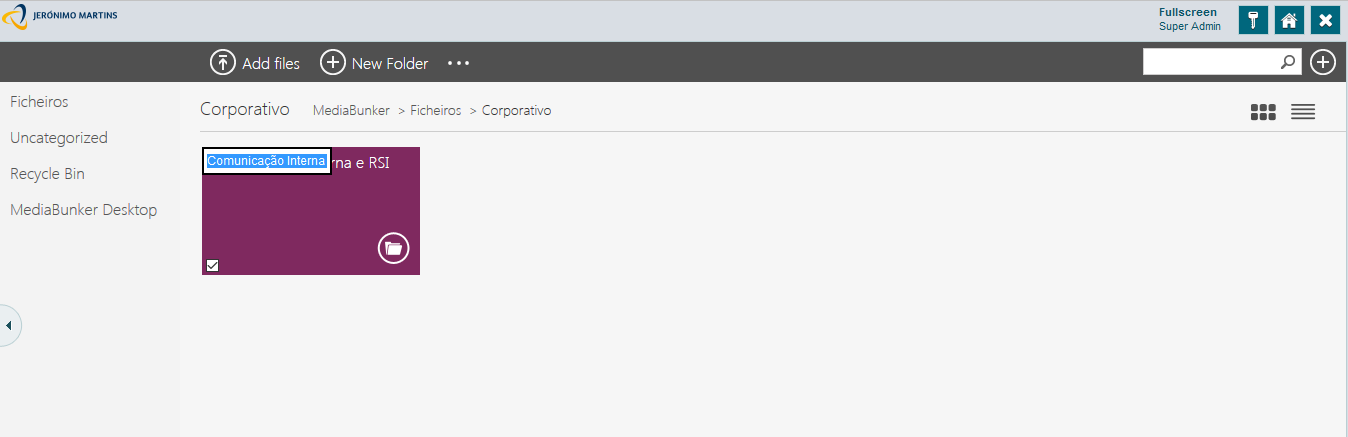
The user may rename the folder's name however he wants.
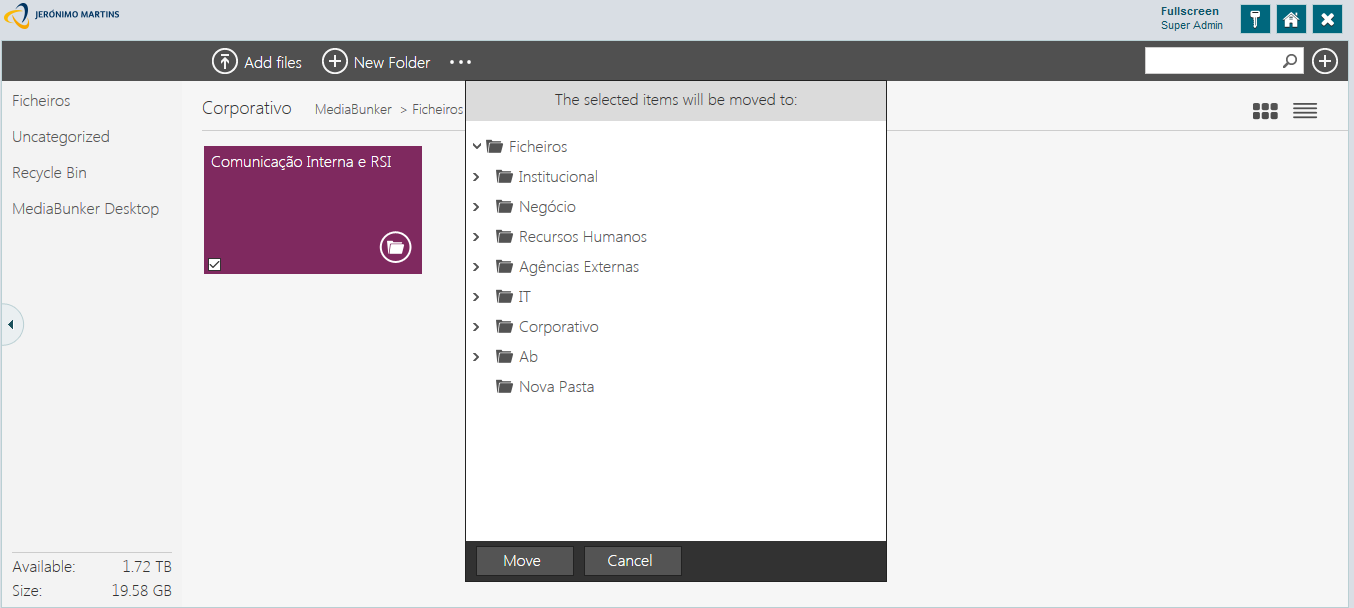
A window will appear will all possible paths to move the folder.
To move the folder select the desired path and click the "Move" button.
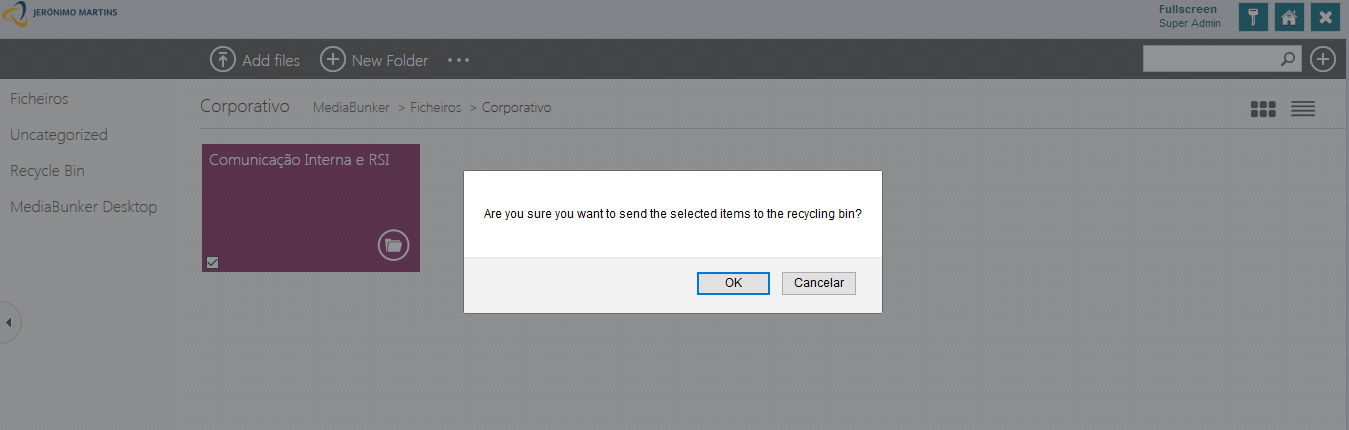
A message will appear to confirm if the user really wants to delete the folder.
Deleted folders can be found in the recycle bin
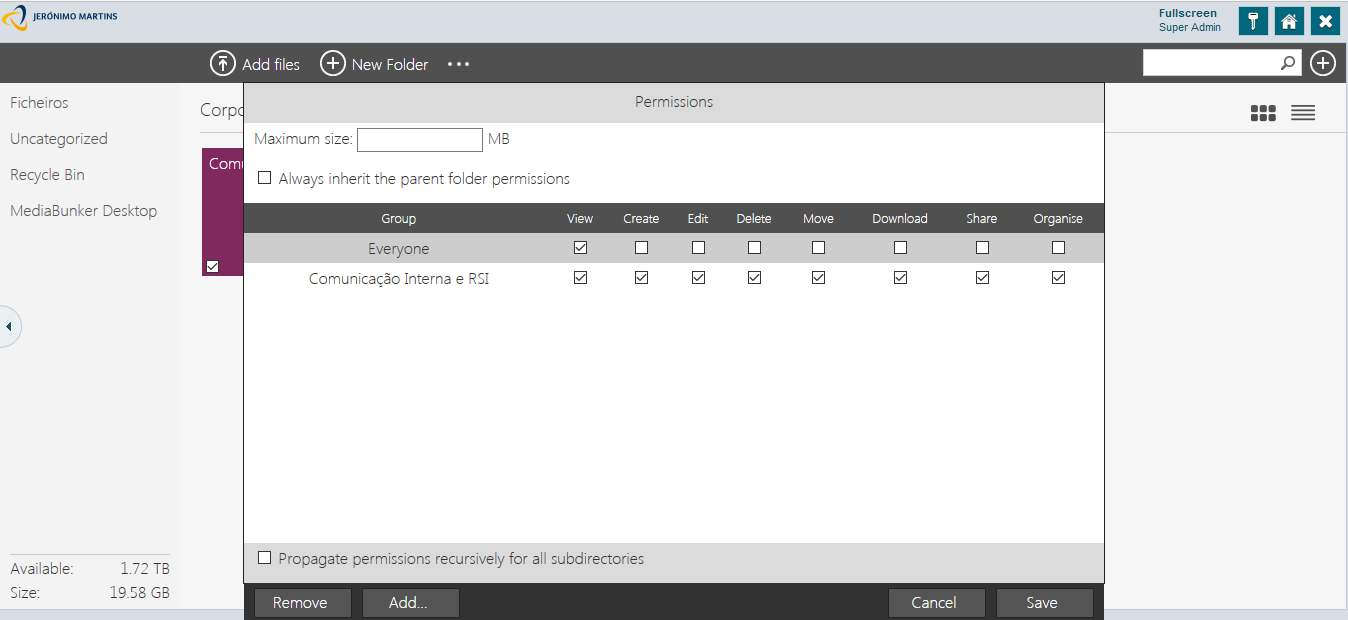
A window with various options will appear where the user can choose each group can have.
The permission to view, create, edit, delete, move, download, share or administrate apply to associated user to the selected groups. Users may be associated to various groups.